01
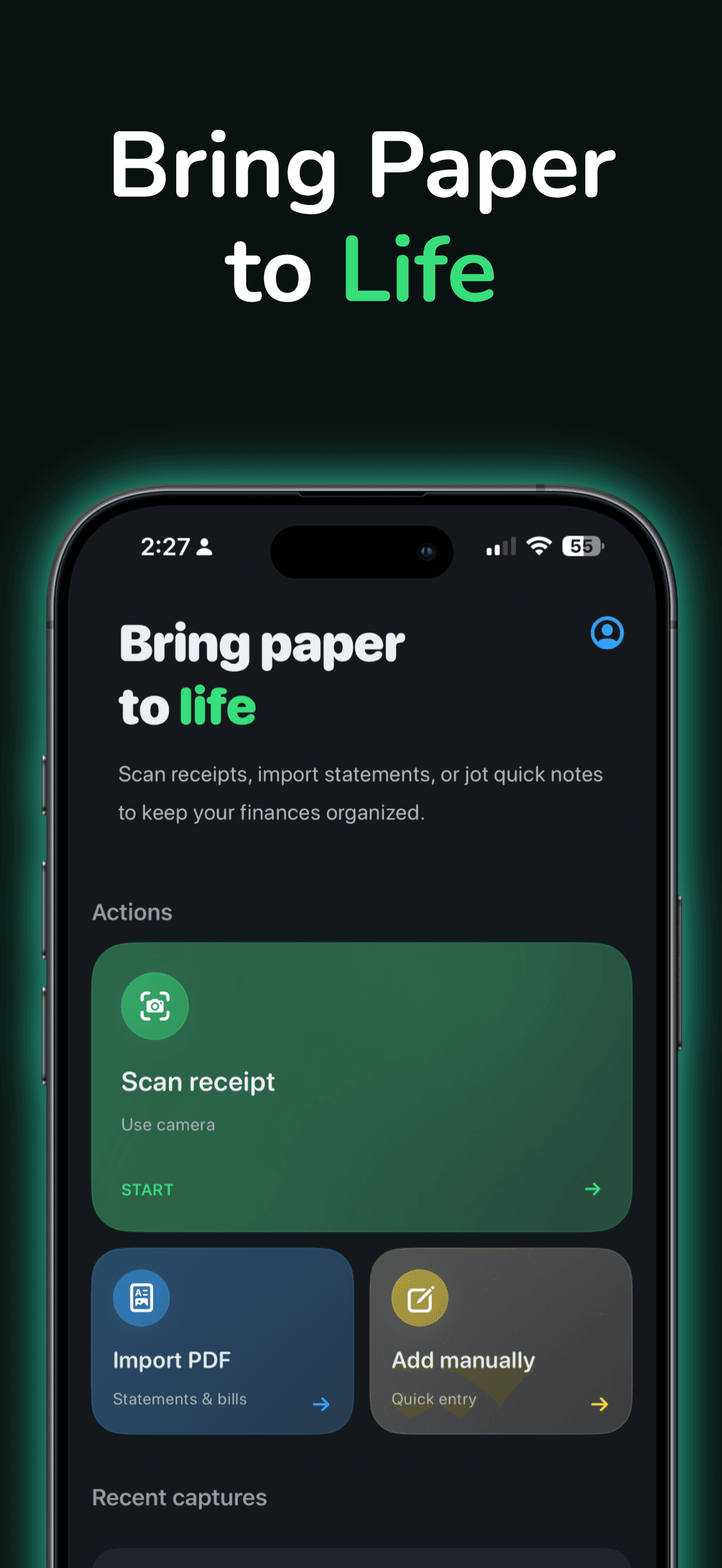
Capture receipts in seconds
Use the camera to scan receipts and turn paper into structured spending records without manual typing.
Finance
Live Sumwise
Scan, import, or type once—then see where money goes. Private on-device tracking. No account required for core use.
Inside Sumwise

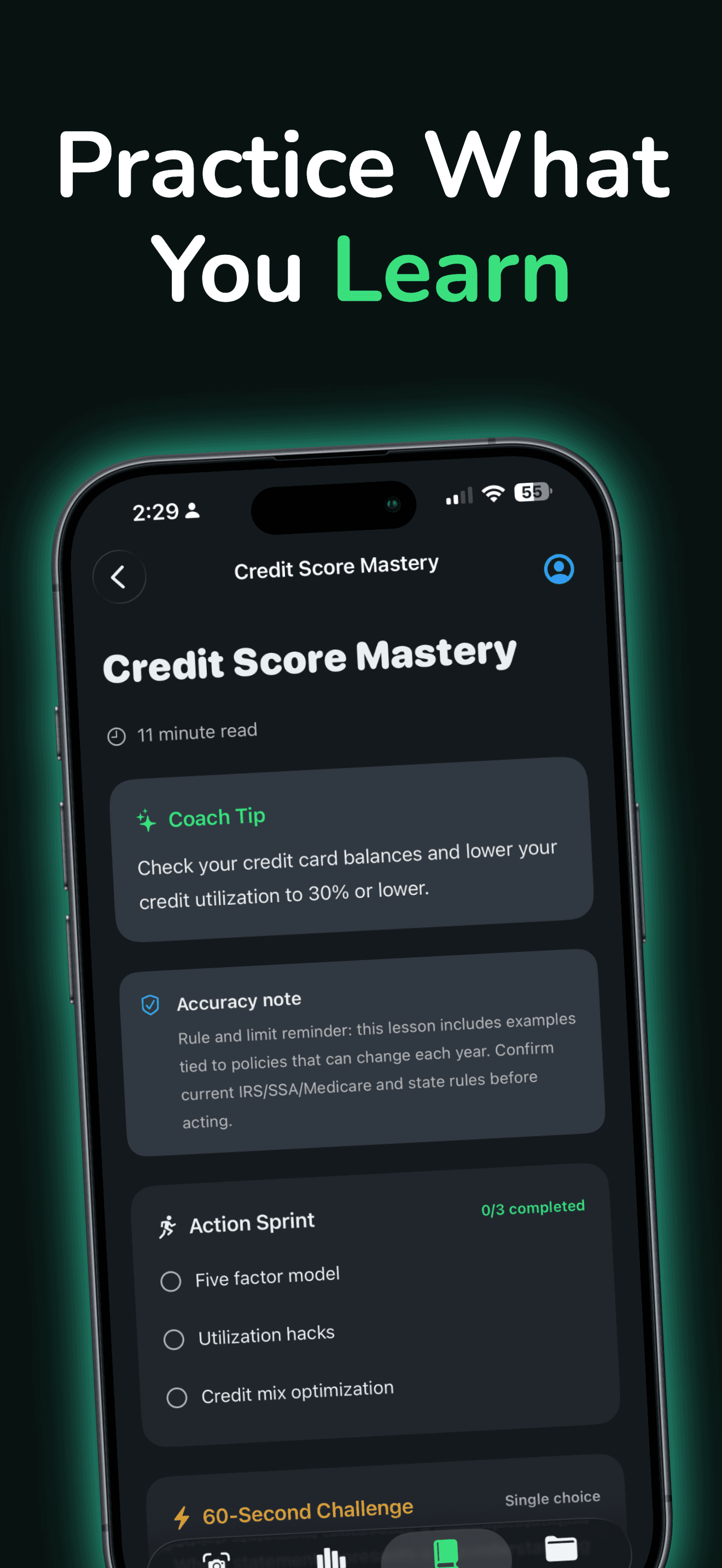

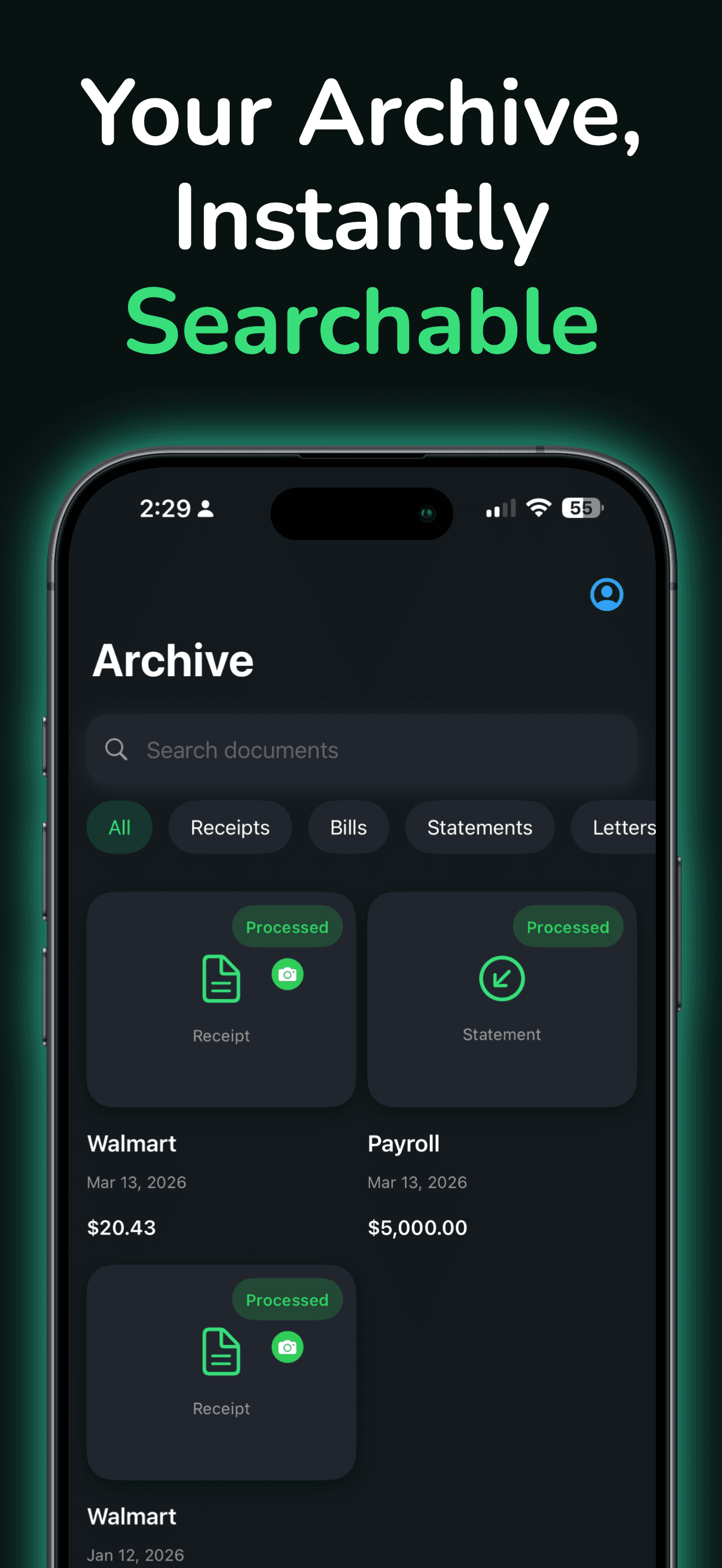
In practice
01
Use the camera to scan receipts and turn paper into structured spending records without manual typing.
02
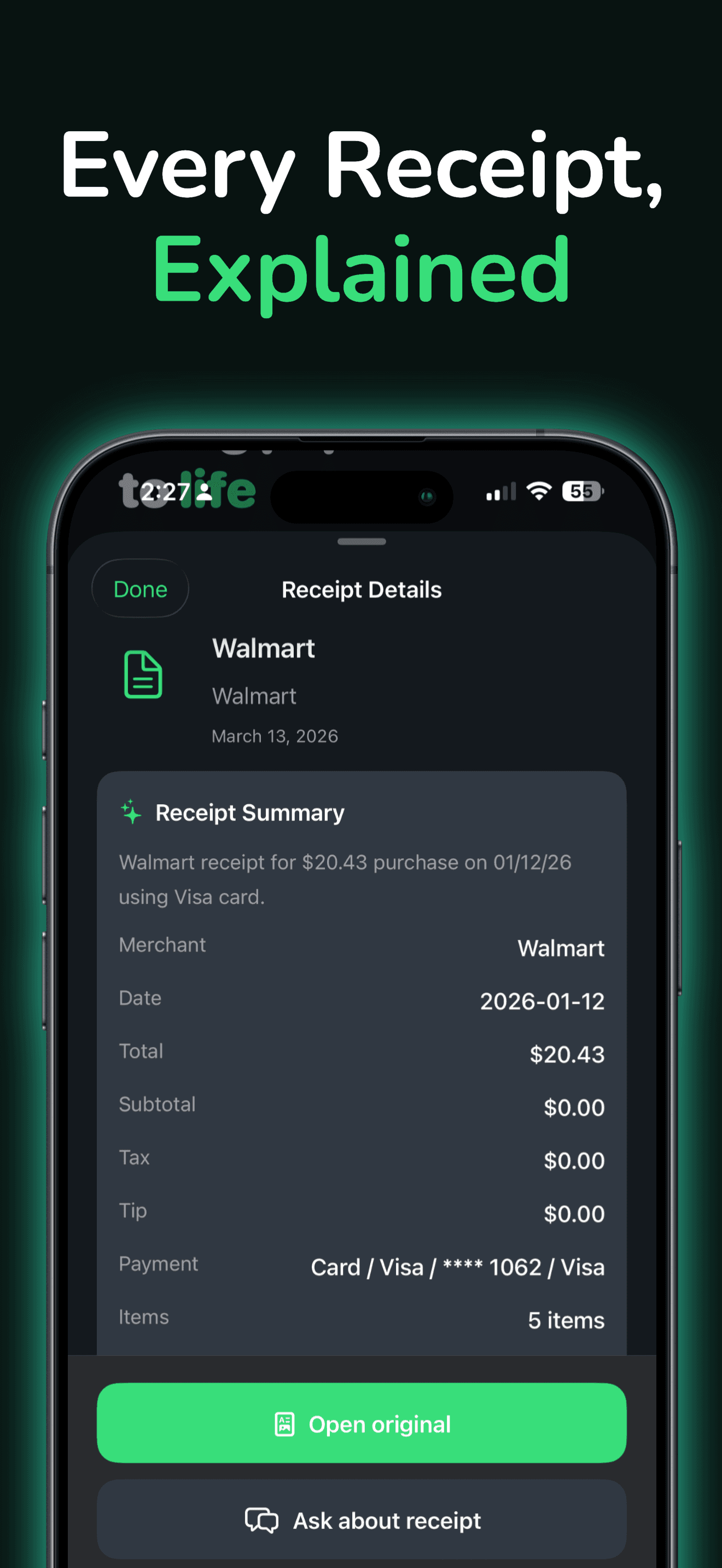
Bring bills and statements into one archive so nothing important lives only in email attachments.
03
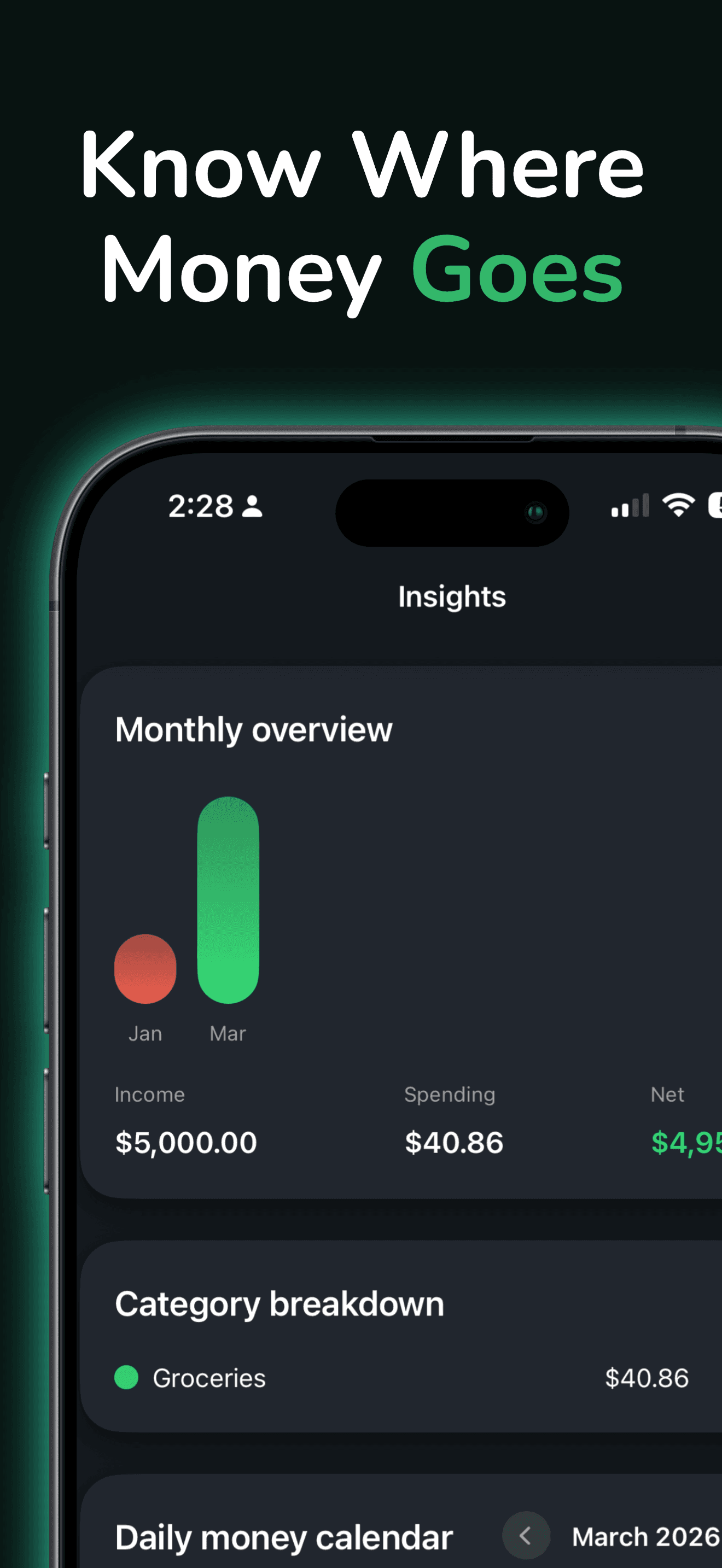
See income, spending, and net trends in a calm dashboard designed for real household money—not trading charts.
Pricing
Manual entries, the on-device archive, and basic insights are free. Sumwise Premium adds unlimited receipt scans, PDF imports, and deeper tools. Current subscription prices and terms are shown in the app before purchase.
Good to know
No. Core usage is designed for private, on-device tracking without creating an account.
Yes. Import PDF statements and bills, or add manual entries when you don’t need the camera.
Subscriptions are managed through Apple: Settings → Apple Account → Subscriptions.
Sumwise is designed around on-device storage for receipts and insights during ordinary use. See the Sumwise privacy page for details.
Ready when you are
Start with free manual tracking.